Passenger infotainment
RiderDisplay
Information and discovery.
Made for the ride.
 RiderLabsExplore products ↗
Better information for the ride.
Clearer guidance for the road ahead.
PASSENGER INFOTAINMENT
A new view. At every stop.
Take a closer look ↗Three products.
One connected journey.
Passenger infotainment
Information and discovery.
Made for the ride.
Rider Multi Analyzer
The onboard connection.
At the heart of it all.
Driver guidance · CAD/AVL
Your next move.
Clearly in view.
01 RIDERDISPLAY
Passenger infotainment
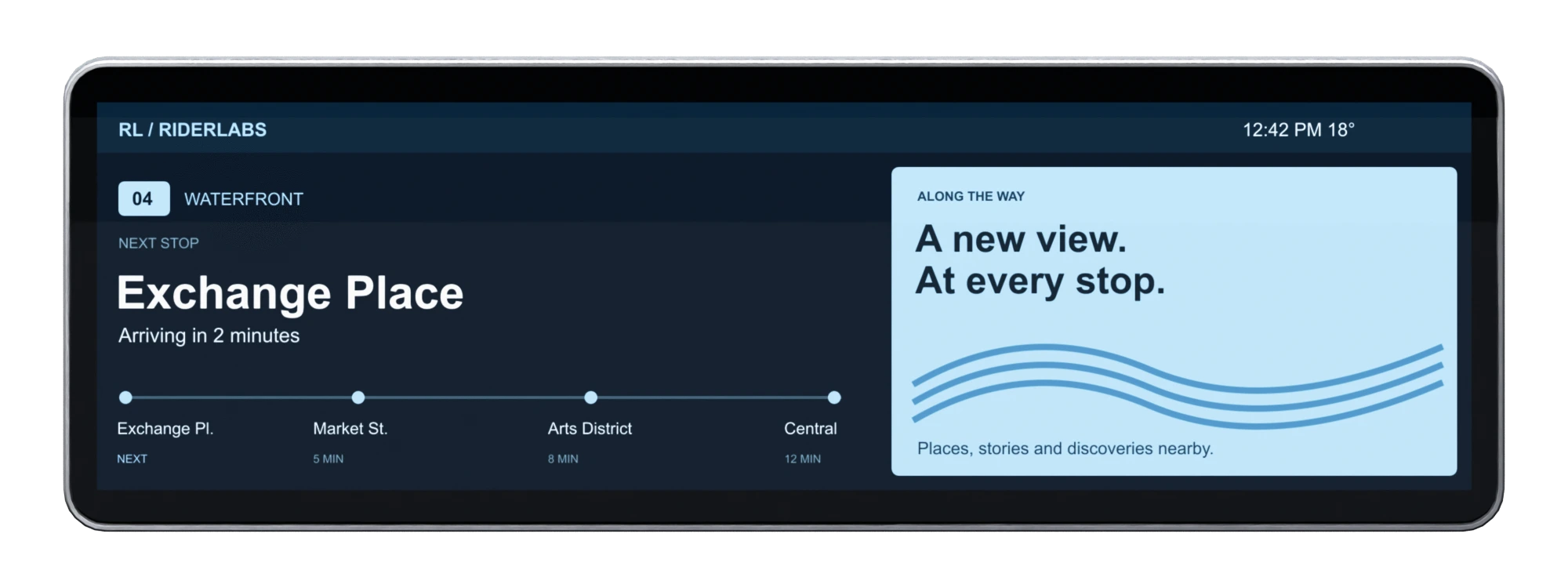
Journey information, local discoveries and timely updates. All on a display made to be seen.
Keep the next stop, arrival time and route progress in view. Give riders useful context before they reach their destination.
Bring local stories, points of interest and advertising into the journey, alongside the information riders need.
Choose a visual profile, organize the content and bring your colors to the display. The screen shown here uses the RiderLabs profile.
Put service messages and stop requests where passengers can see them, with layouts that keep the information clear.
02 RMA
Rider Multi Analyzer
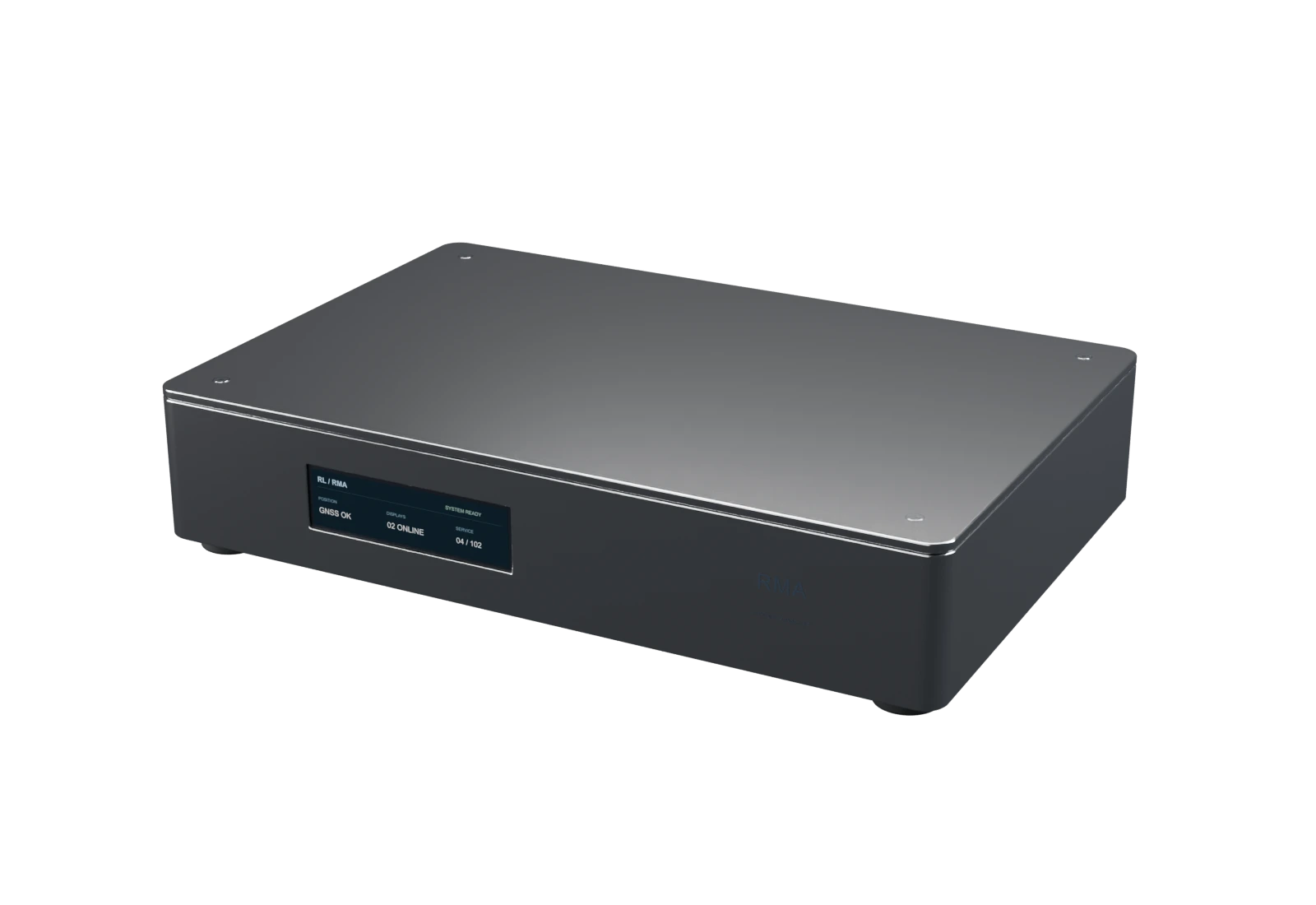
The onboard controller that brings device status, location and journey context together.
Connect passenger displays and the driver interface through shared route and vehicle context.
A built-in status display puts device connections, network health and system information directly on the enclosure.
Location and route progress provide a common foundation for computer-aided dispatch and automatic vehicle location.
A compact metal enclosure keeps the onboard controller and its local status display together.
03 RIDERGUIDE
Driver guidance · CAD/AVL
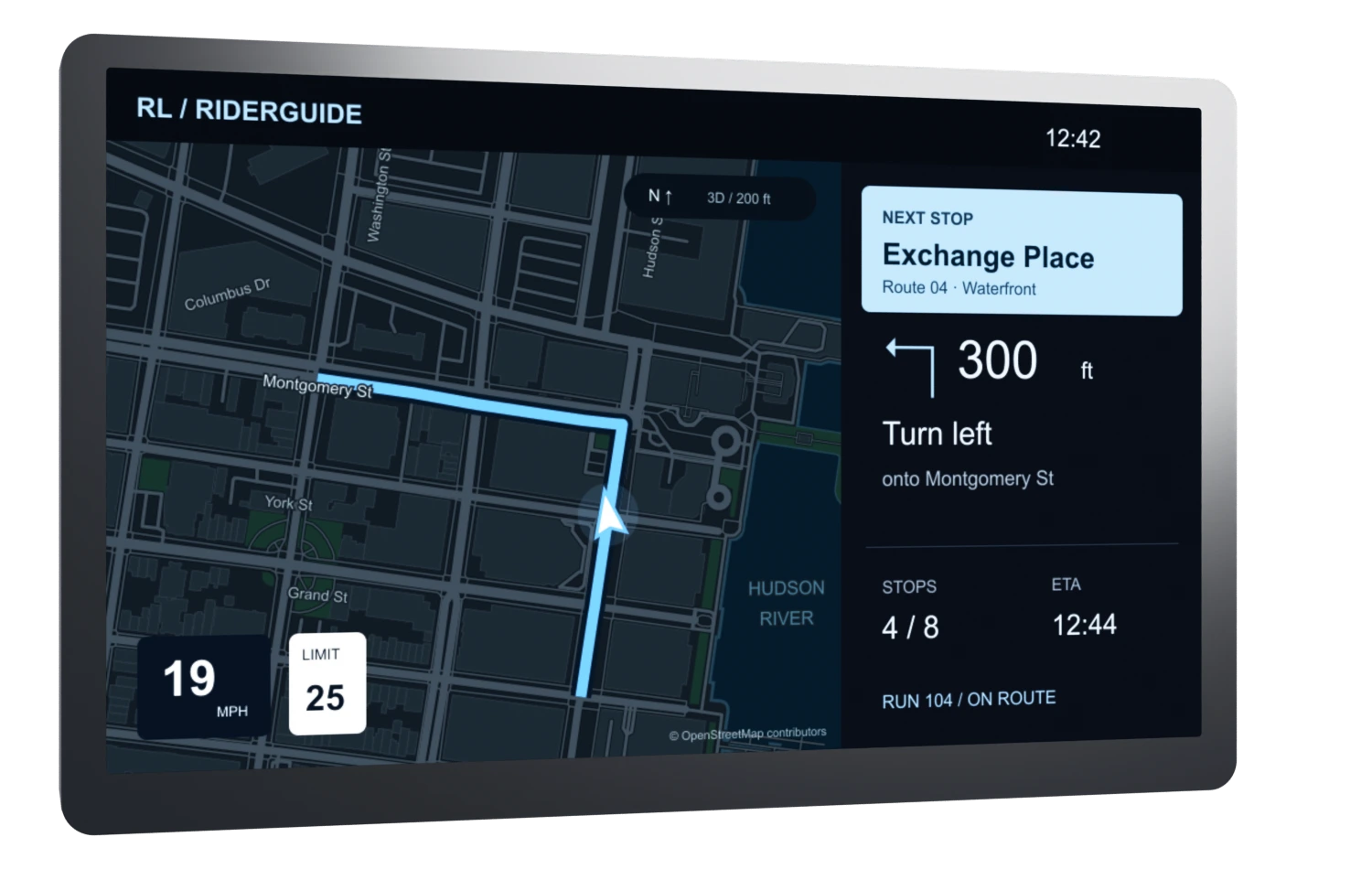
A focused driver interface for navigation, upcoming stops and the details of the run.
Follow the route with turn guidance, the next stop and remaining journey information in one view.
Bring route selection, driver and run context together with service progress.
View speed, posted-limit information and relevant vehicle status without losing the route overview.
Portrait and landscape formats support different installations. A dedicated RiderLabs color profile keeps the interface consistent.
ONE SHARED CONNECTION
RMA brings onboard context together. RiderGuide puts it in the driver’s hands. RiderDisplay brings it to the passengers.